Cursor integration guide
You can integrate Florentine into Cursor as a local MCP server.
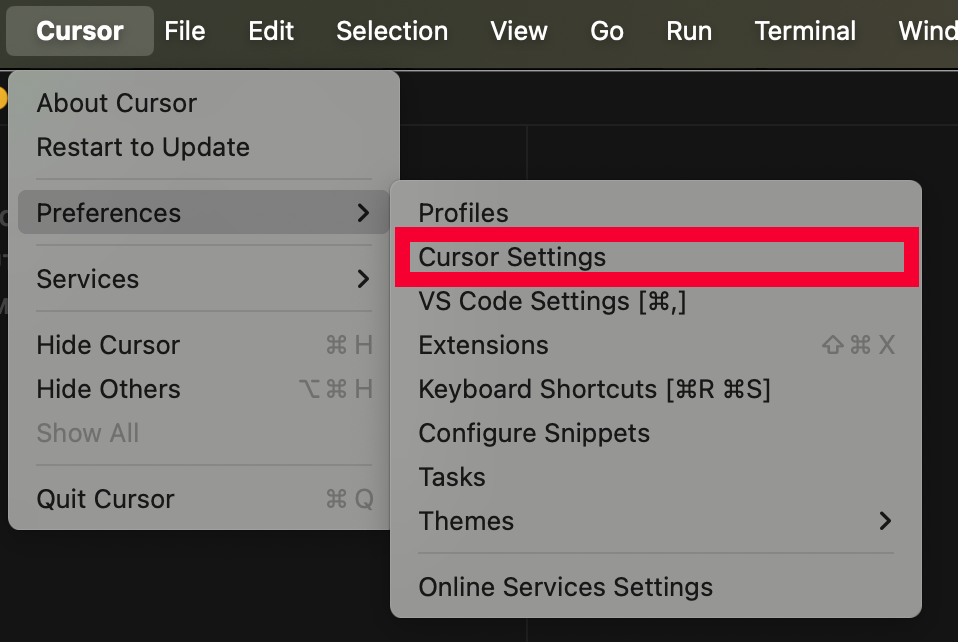
Start Cursor and go to Preferences > Cursor Settings:
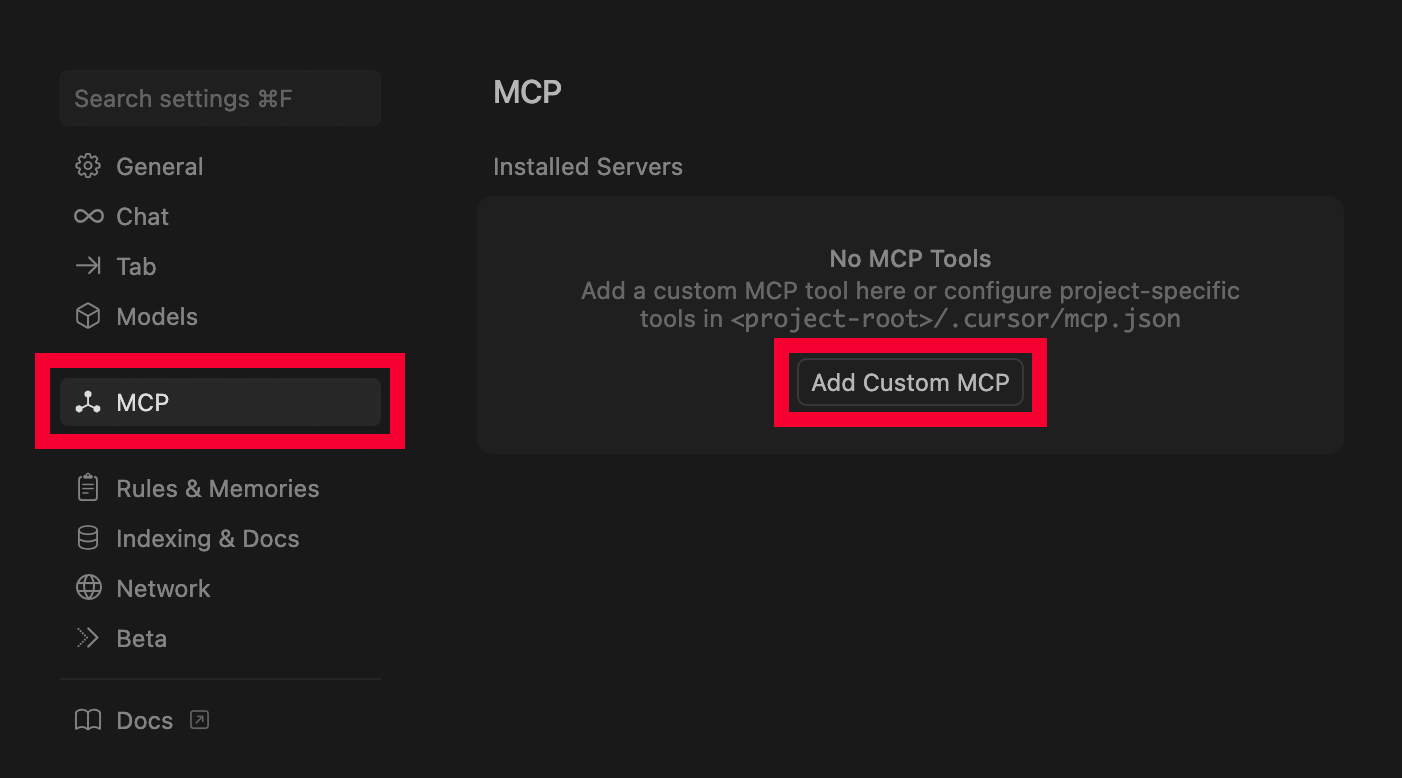
Then click on MCP in the settings side navigation and click on Add Custom MCP:
This will open the mcp.json configuration file. Now add your Florentine configuration. You will probably want to have aggregation as the desired response in RETURN_TYPES when using Florentine with Cursor:
json
{
  "mcpServers": {
    "florentine": {
      "command": "npx",
      "args": ["-y", "@florentine-ai/mcp", "--mode", "static"],
      "env": {
        "FLORENTINE_TOKEN": "<FLORENTINE_API_KEY>",
        "RETURN_TYPES": "[\"aggregation\"]"
      }
    }
  }
}
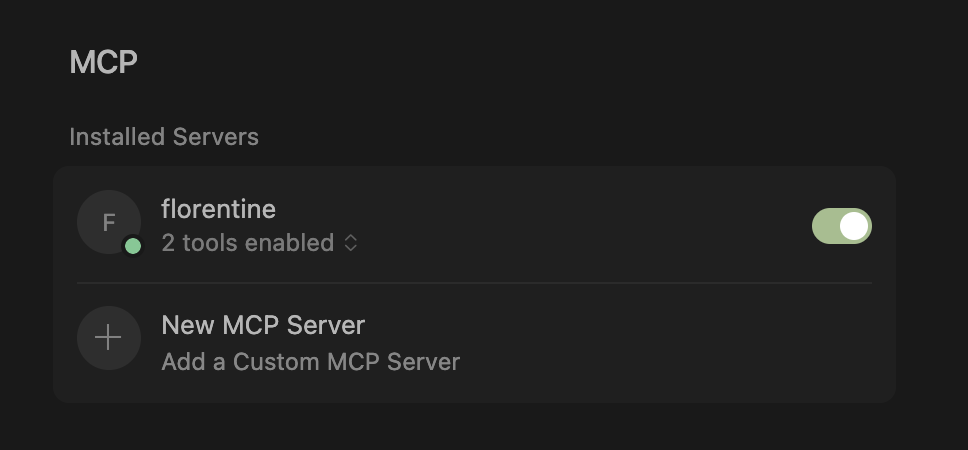
Save and close the configuration file. You should now see the Florentine MCP being enabled and ready to use: