Authentication
The type of authentication depends on how you integrate the MCP Server (local or remote).
Local MCP Server
The Florentine.ai Local MCP Server uses an API key to authenticate requests. You can view and manage your API key on your Florentine.ai Dashboard:
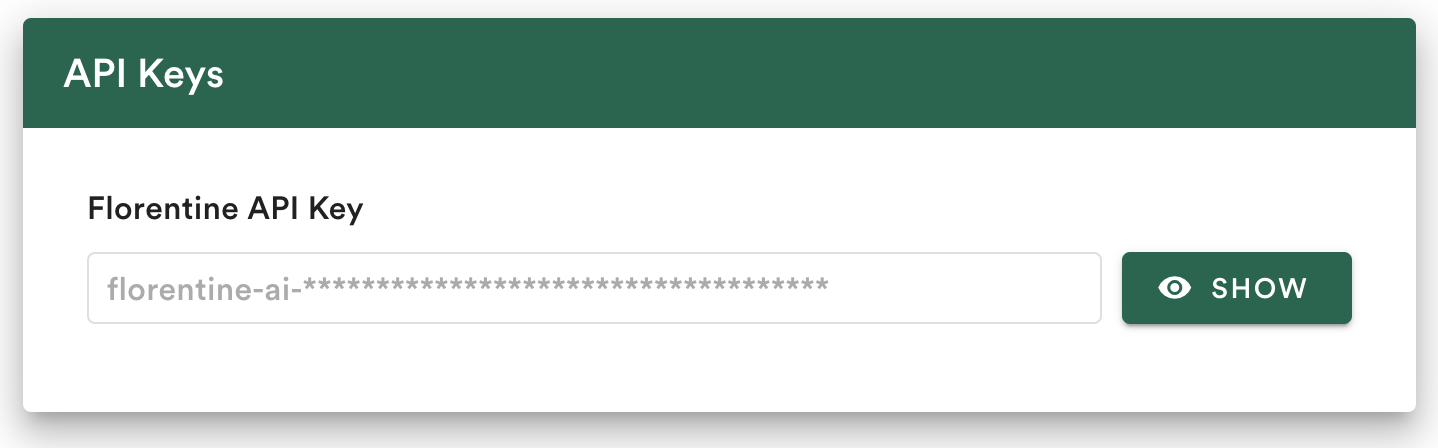
Your API key has the prefix florentine-ai-. When you click on Show you are able to copy your key once. After copying, you are not able to see your key again, so make sure you store it in a safe and secure place!
This key must be added as an ENV variable to the configuration setup of the MCP server:
"env": {
  "FLORENTINE_TOKEN": "<FLORENTINE_API_KEY>"
}
Remote MCP Server
The Florentine.ai Remote MCP Server will start an authorization flow when you add the remote MCP server url (https://mcp.florentine.ai) to the setup (typically called Custom Connectors) of your favourite AI app.
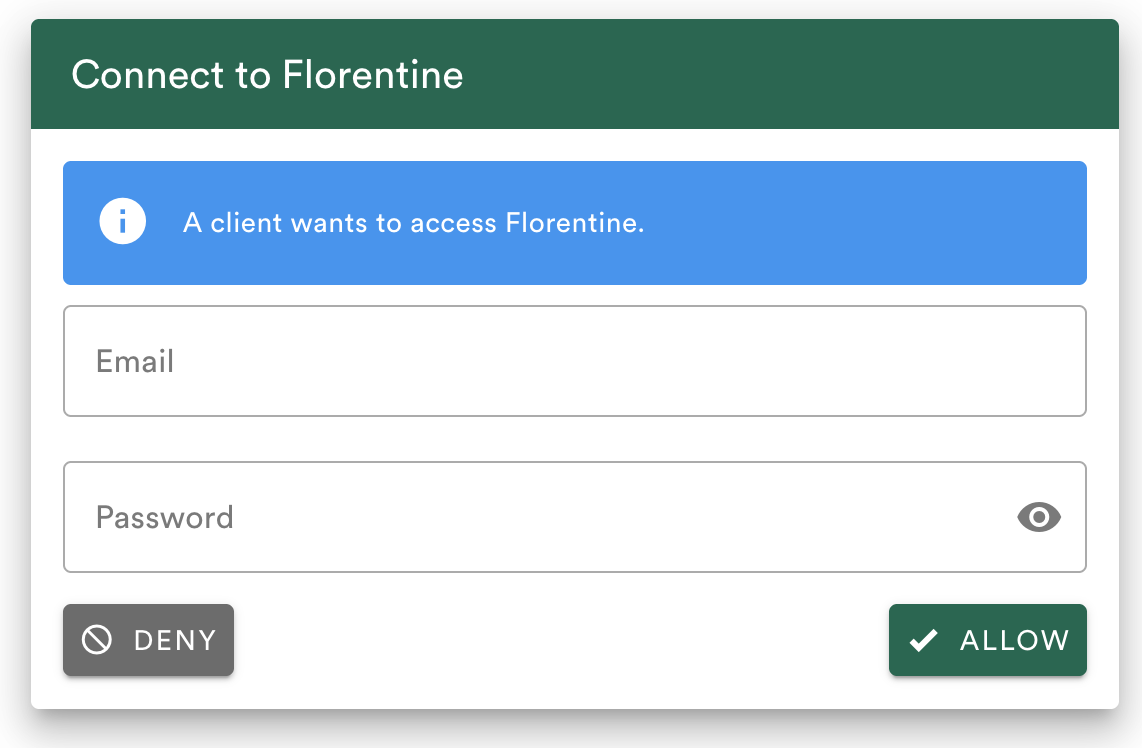
The AI app will redirect you to Florentine's OAuth flow where you are asked to provide your login credentials and allow access for the client: